The HITL mini app runs inside Telegram, so reviewers can answer without installing anything else. A review step sends to Telegram when Telegram is on under Send to in its Reviewers settings.

Get started

Open @Human_ApprovalBot in Telegram and launch the mini app. It signs you in with your Telegram account; if you already use HITL, sign in with your email once to link the two.

Answer a request

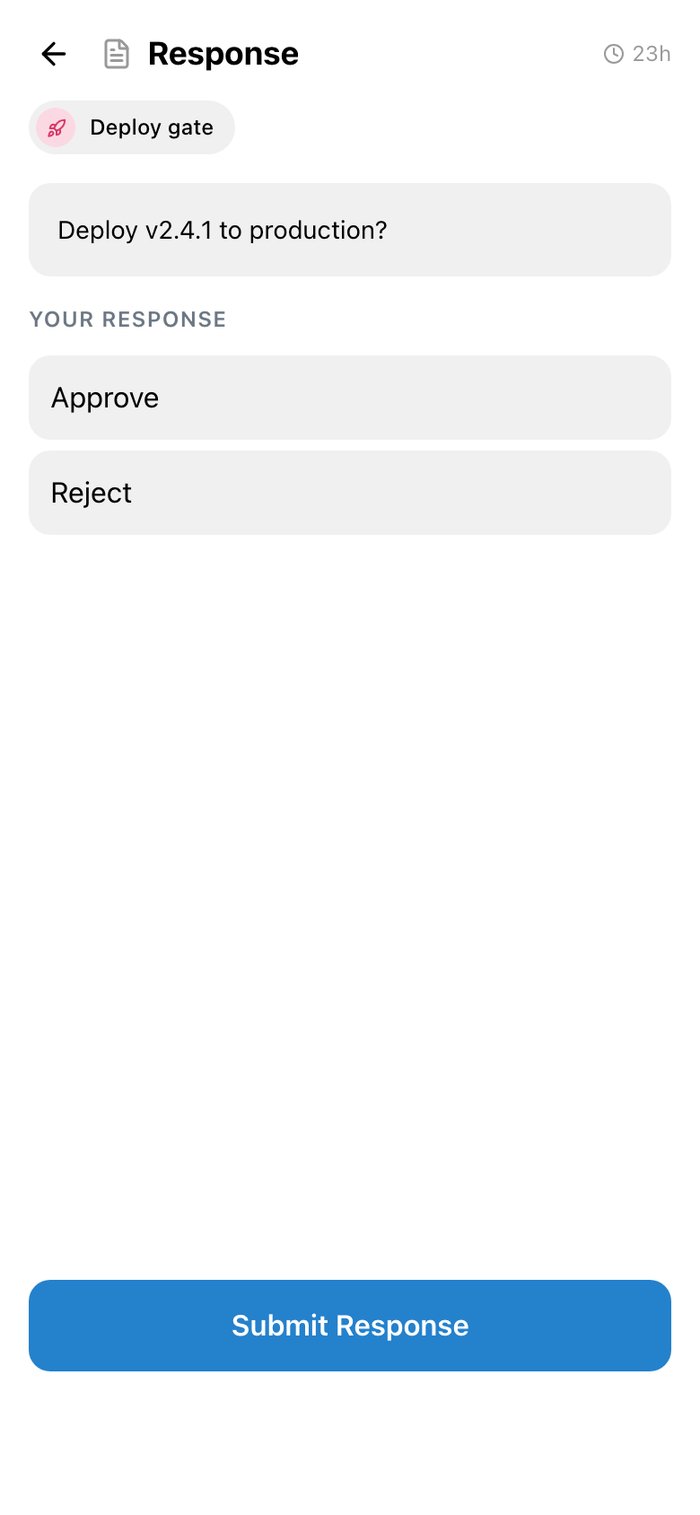
The Dashboard lists what is waiting for you. Open a request, choose your answer under Your response, and tap Submit Response.
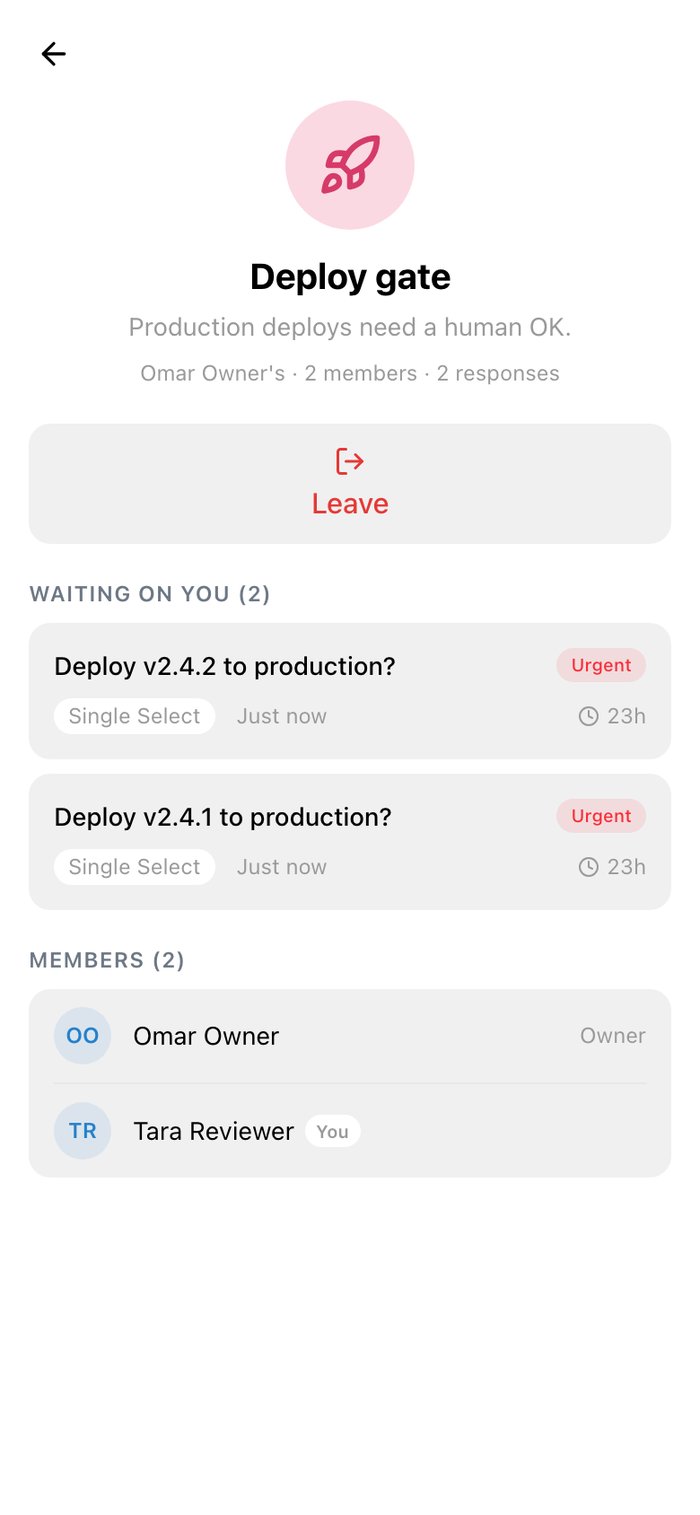
The Deploy gate workflow in the Telegram mini app with two requests waiting and its members

A workflow you review

A request, Deploy v2.4.1 to production, with Approve and Reject options and a Submit Response button

Answering

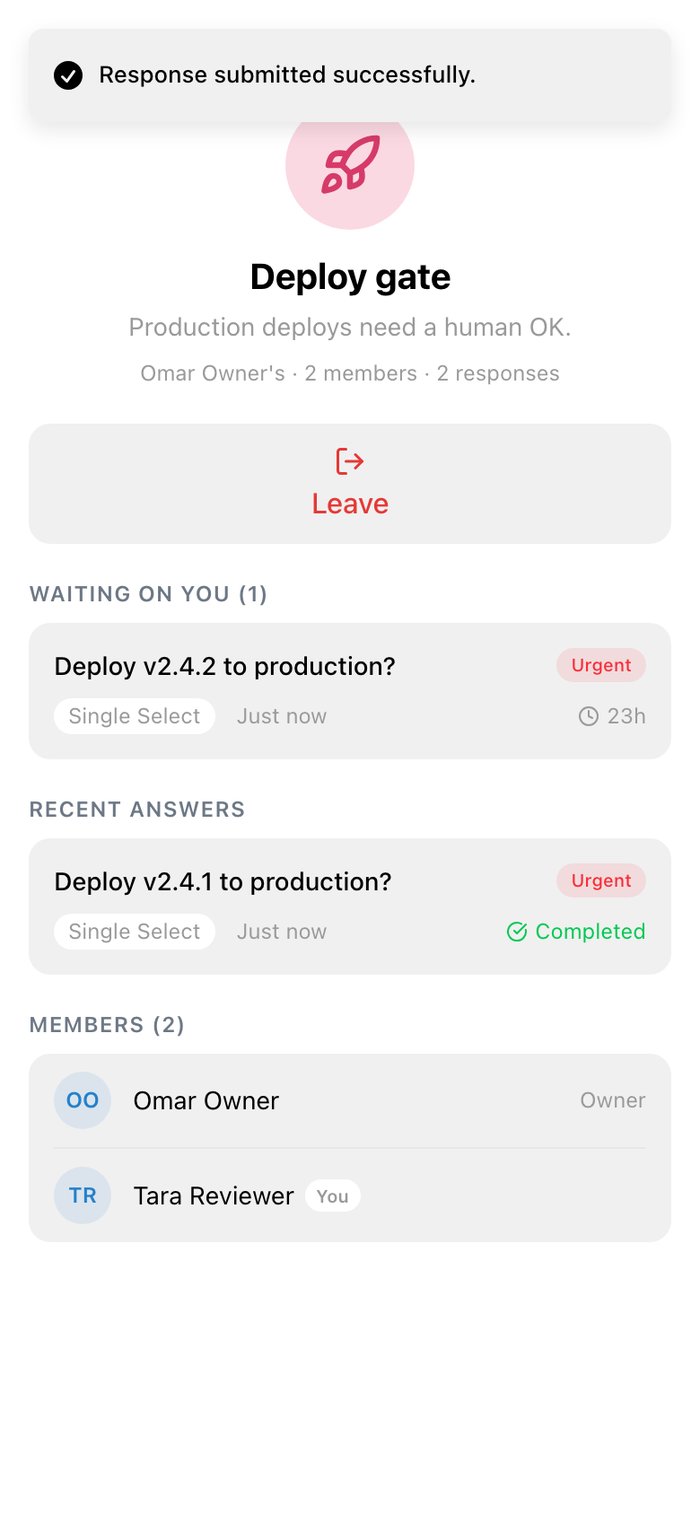
Response submitted successfully, with the request now under Recent answers marked Completed

Answered

History shows everything you answered, with Completed and Timed Out filters.

Join a workflow

On Workflows, tap +, enter the join code (HITL-XXXXXX) or paste the invite link, check the workflow and tap Join this workflow.
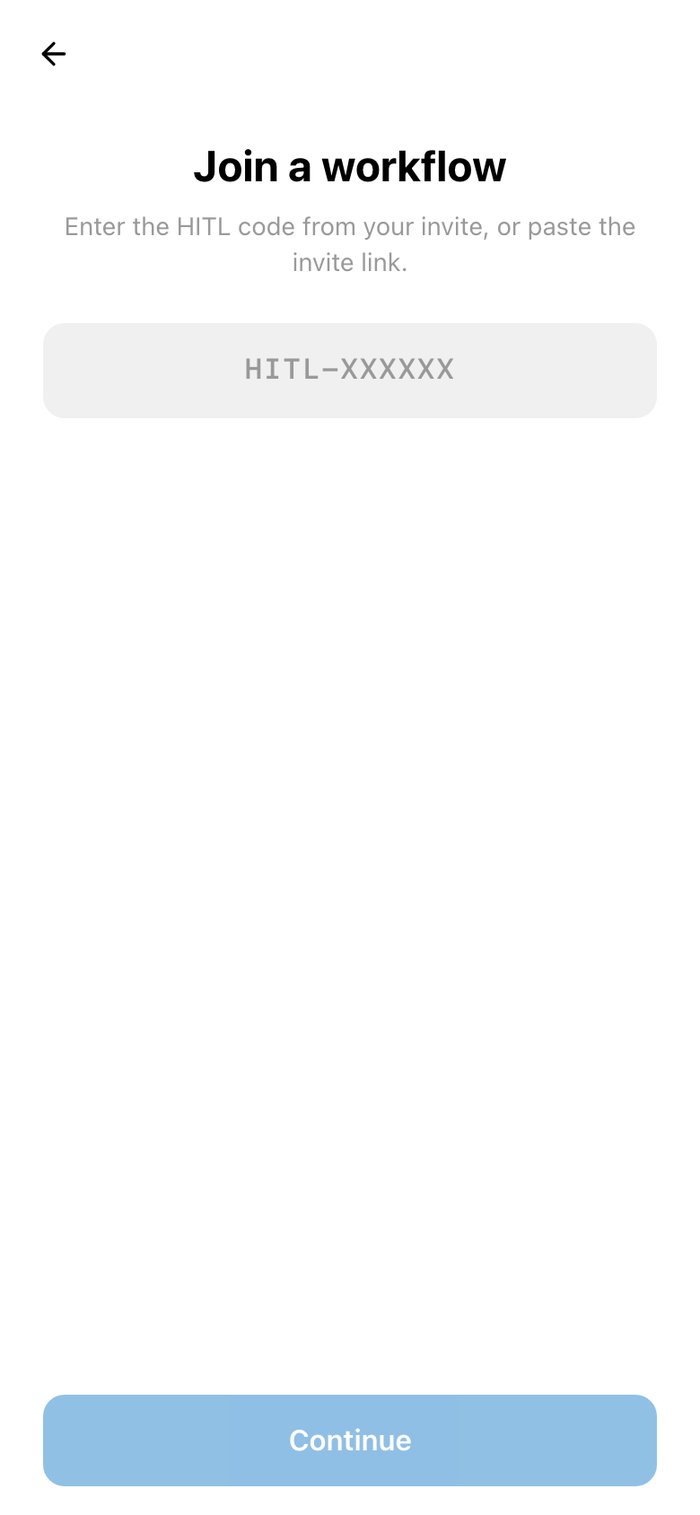
The Join a workflow screen asking for the HITL code from the invite

Enter the code

A workflow invite preview, Support replies, with a Join this workflow button

Check and join

Invite reviewers

On a workflow you own, Invite shows its join code with Copy link and Share, so you can send it to a Telegram chat. Edit on my.hitl.sh opens the editor.
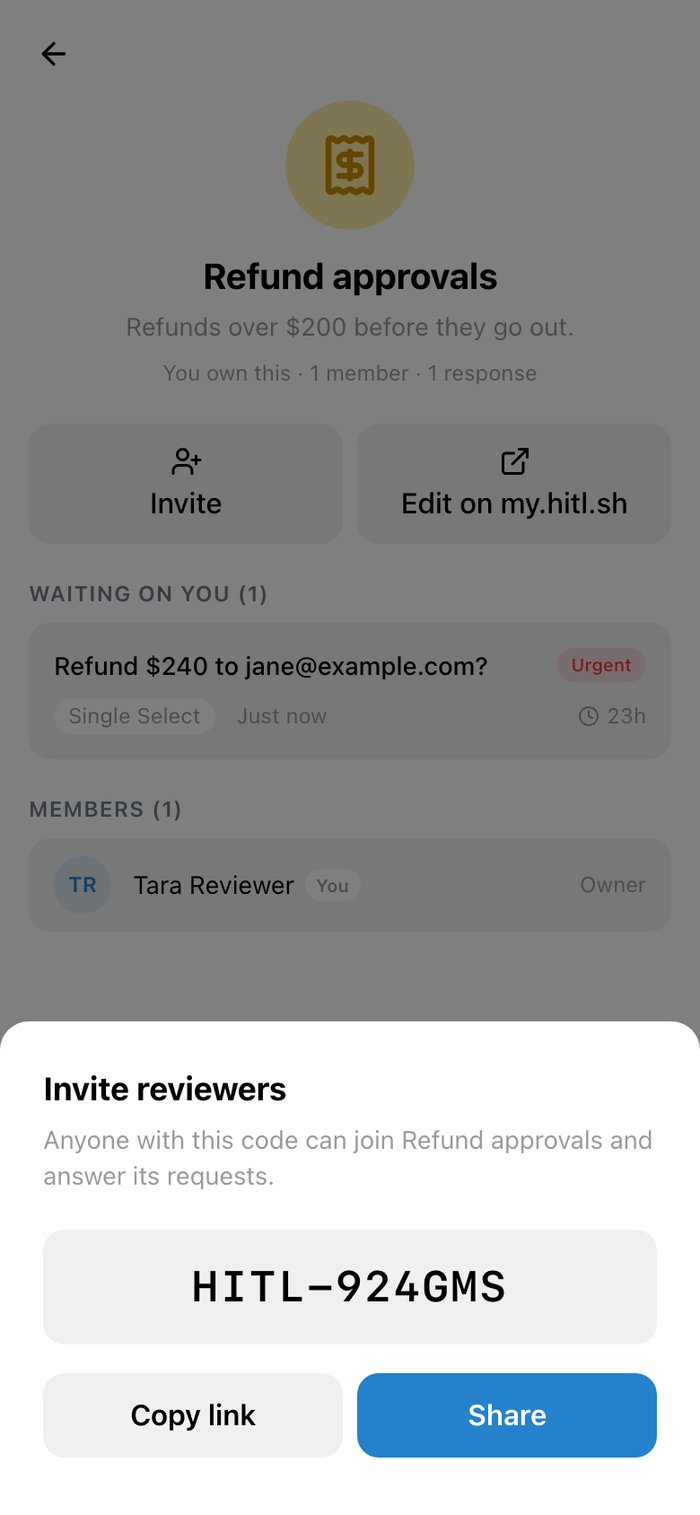
The Invite reviewers sheet with the join code HITL-924GMS and Copy link and Share buttons