

@hitl-sh/mcp, with your API key) or remotely at https://mcp.hitl.sh/mcp (sign in through the browser).
Set up
- Claude Code
- Claude Desktop
- Cursor
- Other clients
claude mcp add hitl -e HITL_API_KEY=… -- npx -y @hitl-sh/mcp with the key from HITL_API_KEY (or the one saved by hitl login). By hand:/mcp in Claude Code and sign in.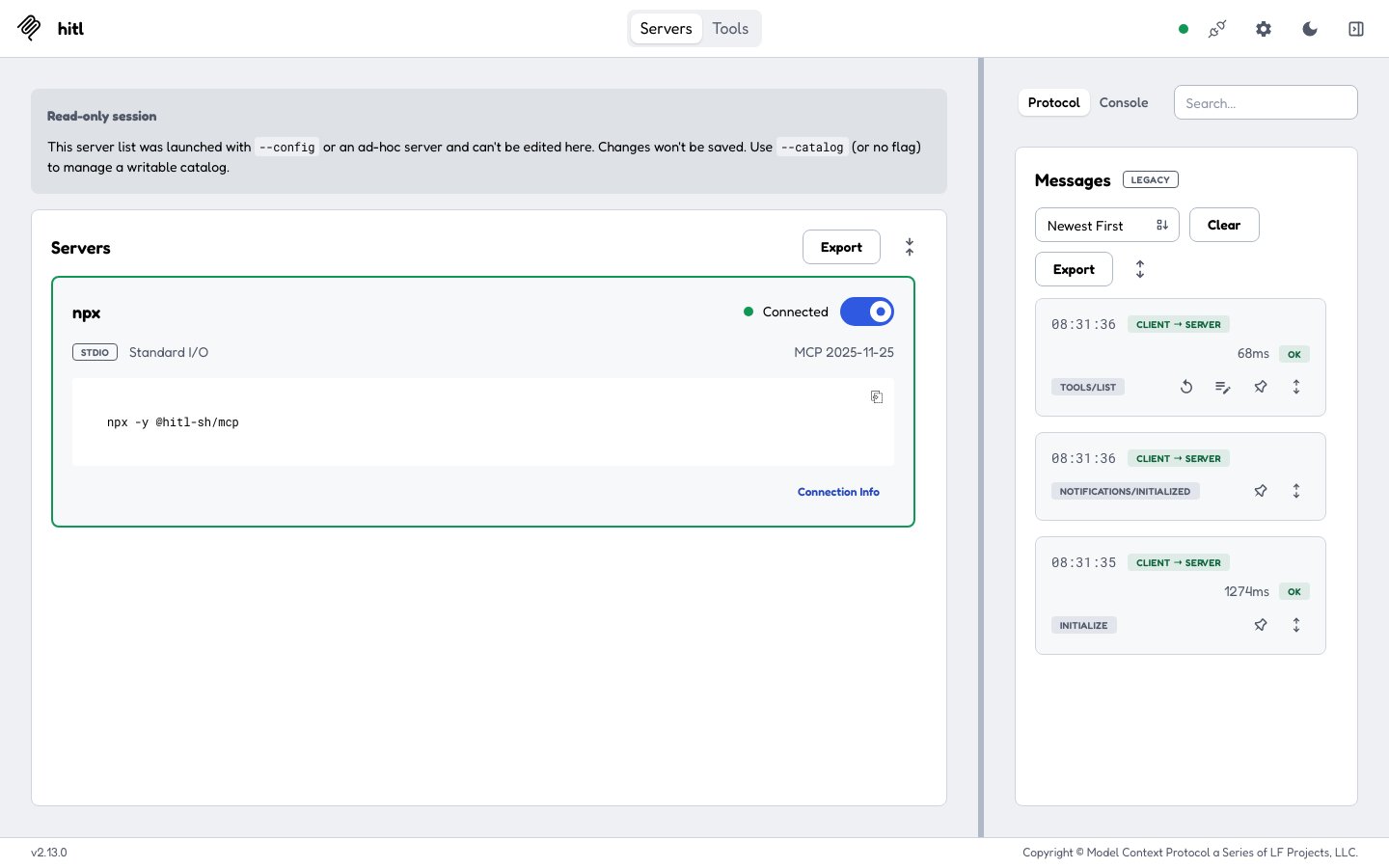
The MCP Inspector connected to npx -y @hitl-sh/mcp
Run a workflow and see the answer
This walk-through uses the MCP Inspector so you can see each call; in Claude or Cursor the assistant makes the same calls when you ask it to.1
Find the workflow and its input
list_workflows lists your workflows. get_workflow_input returns the fields the workflow’s steps read, with an example body.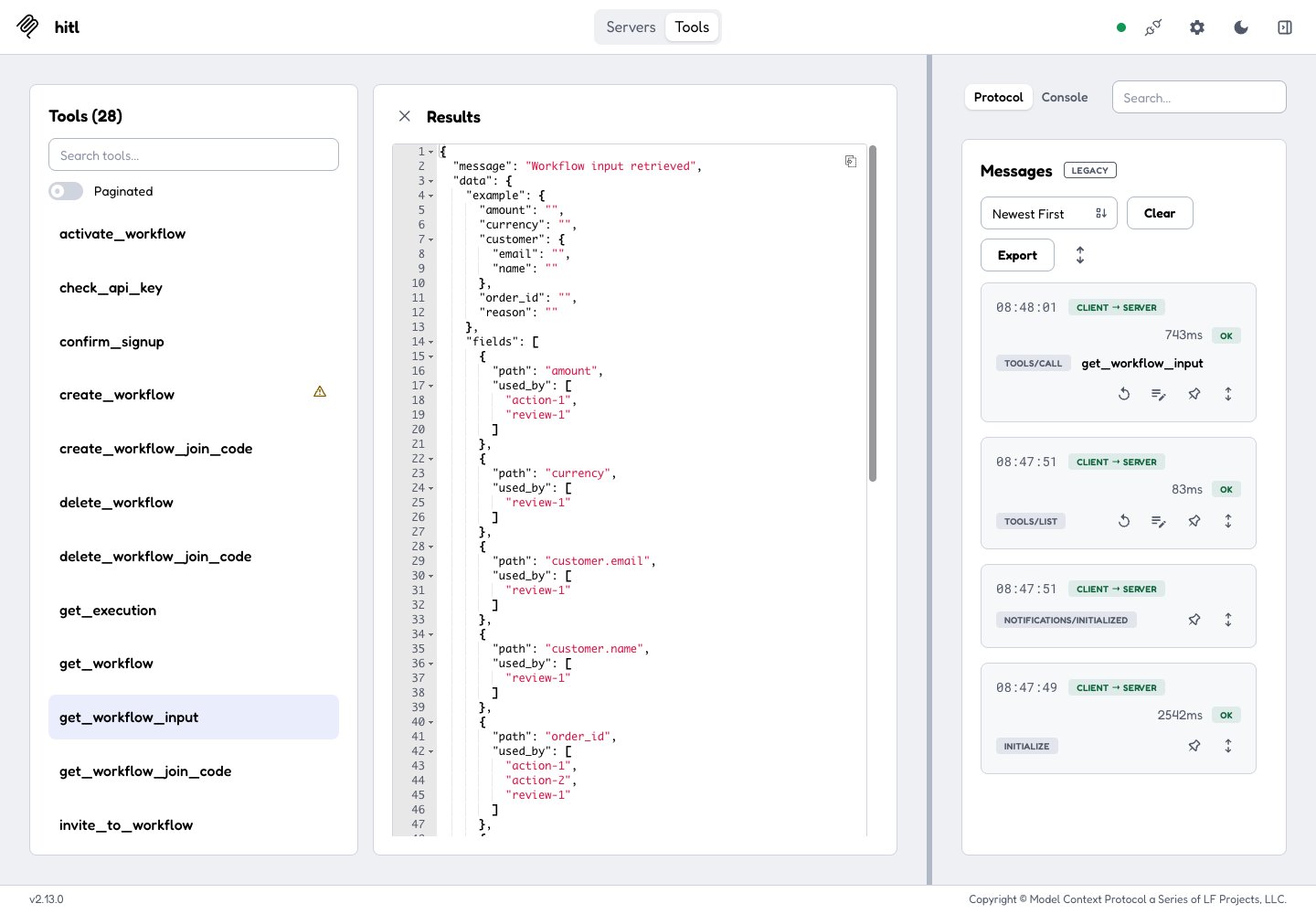
2
Run it
run_workflow takes the workflow id, the input, and optionally a callback_url and live.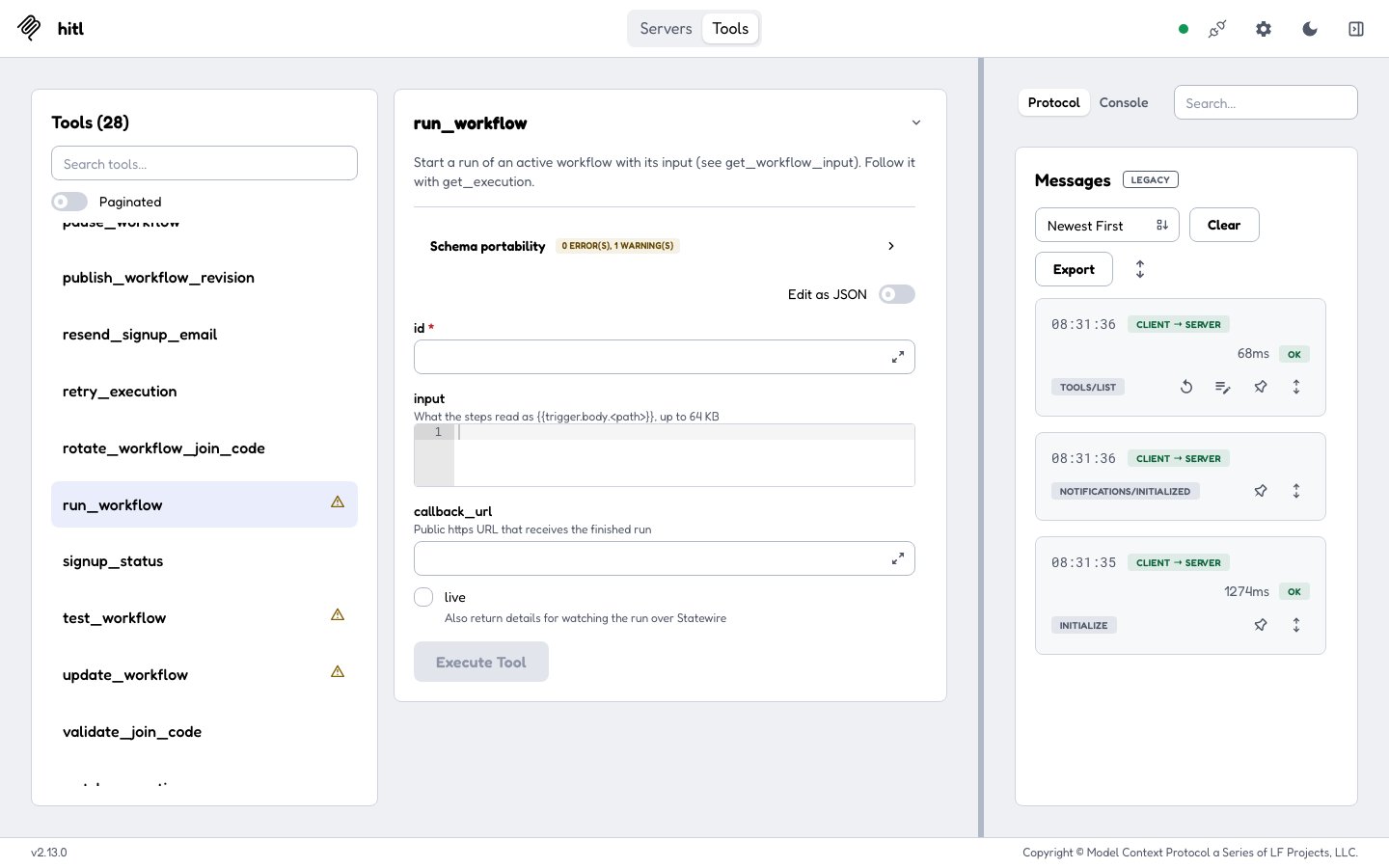
status: running: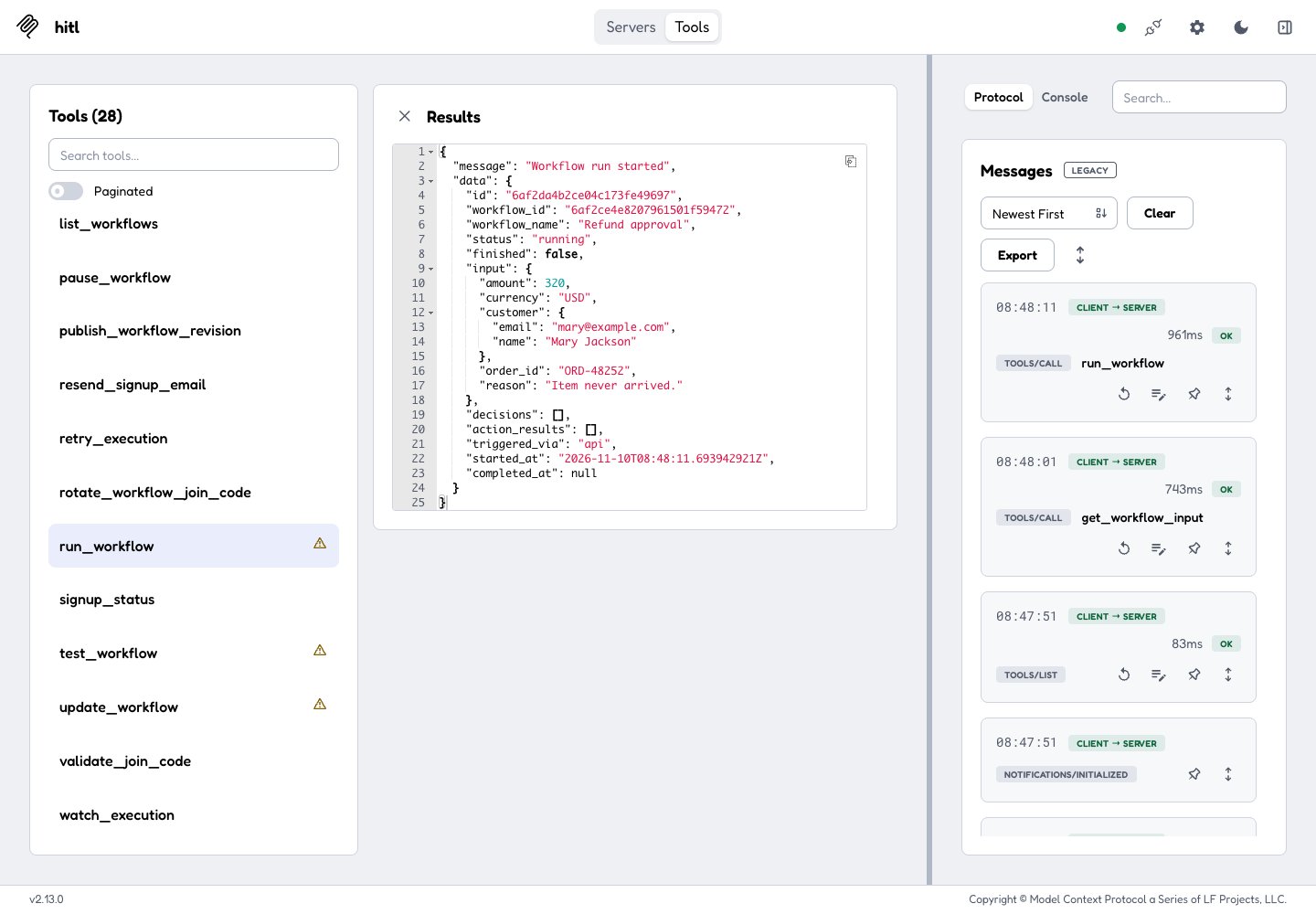
3
A person answers
The reviewers get the question on their phone, in the web inbox or in Telegram, and answer.
4
Get the answer
get_execution with the execution id and wait (up to 60 seconds) returns as soon as the run has finished: status: completed, result: "approve", and in decisions who answered (Priya Shah) and where (web_portal).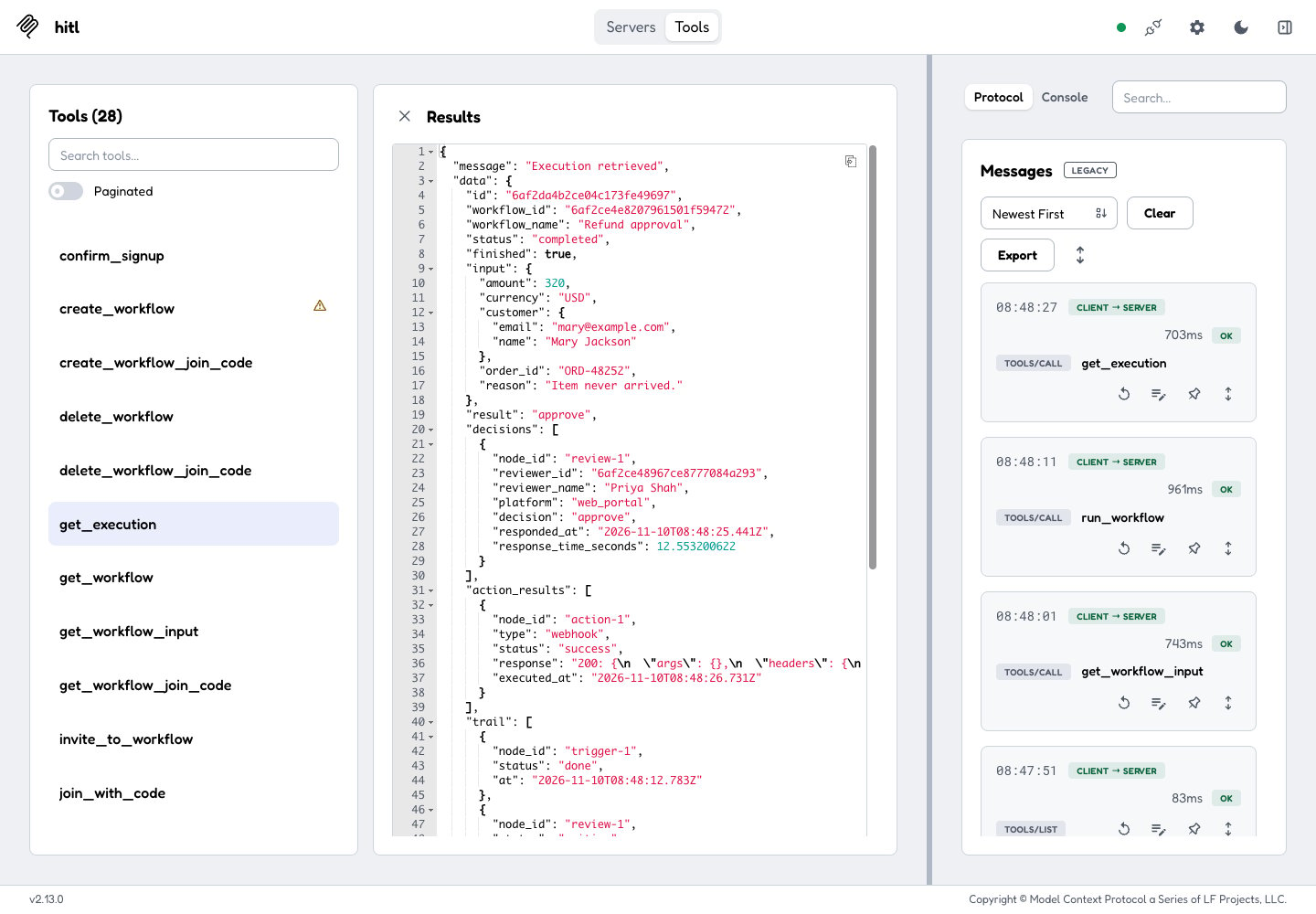
Tools
Each tool maps to one API endpoint and takes the same fields. Signing up (getting a key) is in the CLI, since the server needs a key to start.
Configuration
The key is only sent to
hitl.sh hosts.