

Markdown
Headings, bold, italics, lists, links, tables and code all work. The refund workflow’s question: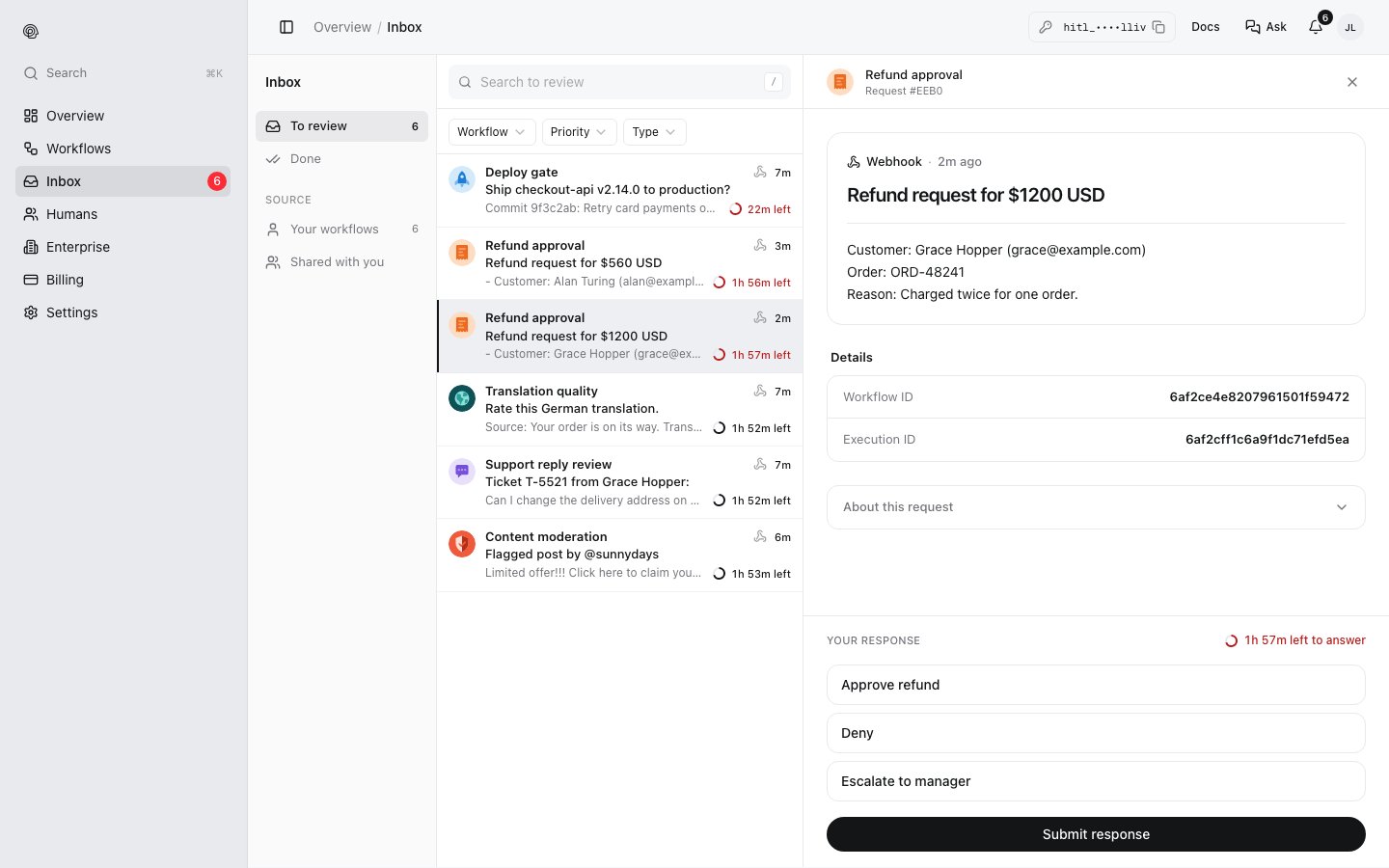
Inserting data
In the editor, insert fields as chips from the trigger’s test payload; the phone preview shows the result. A field that is missing from the input is left empty.
Files
To show a reviewer a file (a screenshot, a contract, a recording), put its URL in the input and link it in the question:[Open the contract]({{trigger.body.contract_url}}). You can host the file anywhere public, or upload it with POST /upload/image (JPEG, PNG, GIF or WebP, up to 10 MB) or POST /upload/document (PDF, Word, Excel, PowerPoint, CSV or text, up to 50 MB), which return its URL.
The editor’s Attachment setting (Image, Document, Video, Audio) shows the file in the step’s phone preview. Runs currently send the question as Markdown, so also link the file in the question until attachments are delivered with each request.