

Humans, groups and workflow reviewers
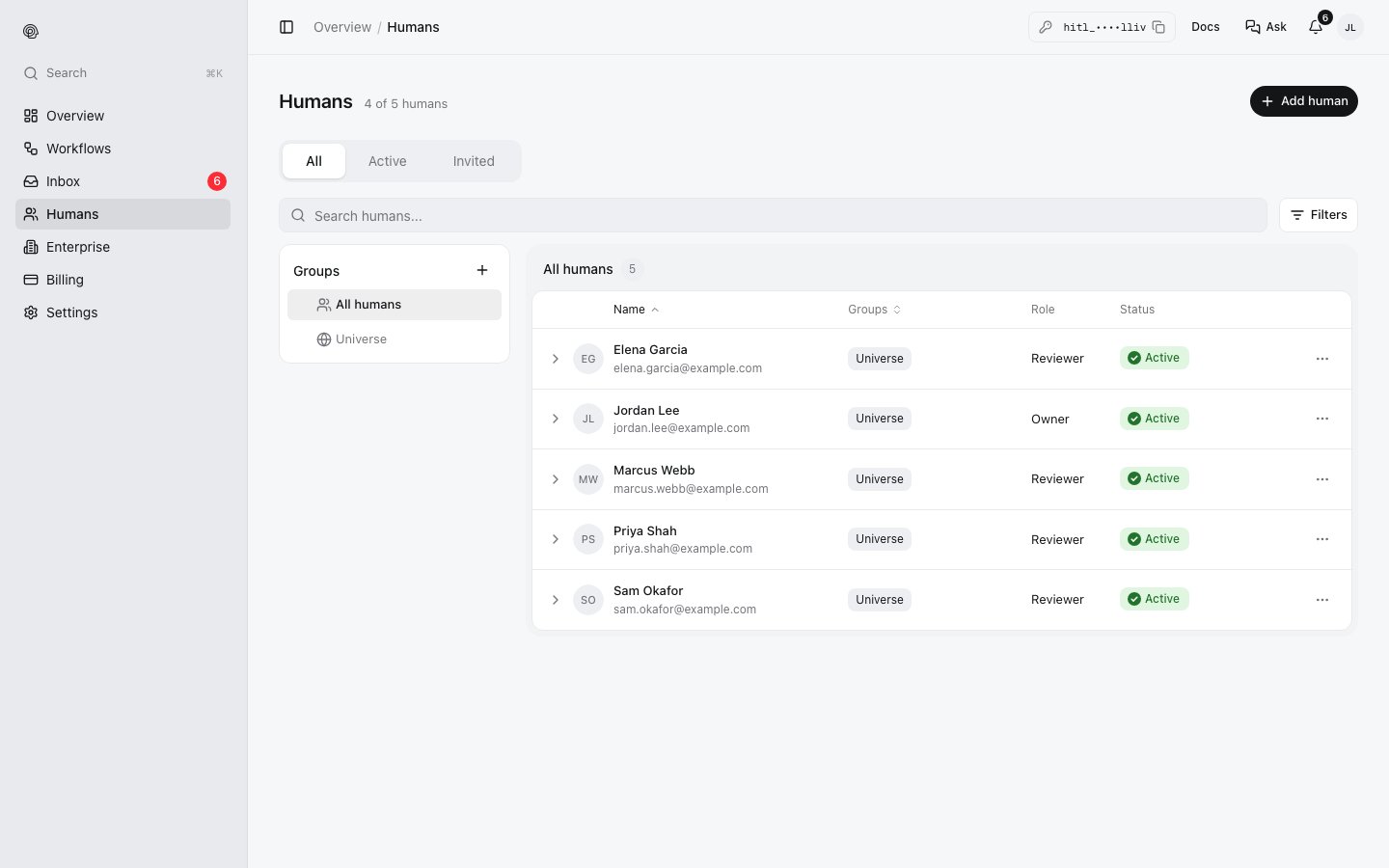
- Humans (in the sidebar of my.hitl.sh) is your directory: everyone you have invited, with their status (Active or Invited) and role.
- Groups sort them, for example Support leads or On-call. Everyone is in the default group, Universe. A review step can ask a group instead of naming people.
- Each workflow has its own reviewers, on its Humans tab. A review step with no people picked asks all of them.
Inviting reviewers to a workflow
Open the workflow, then its Humans tab.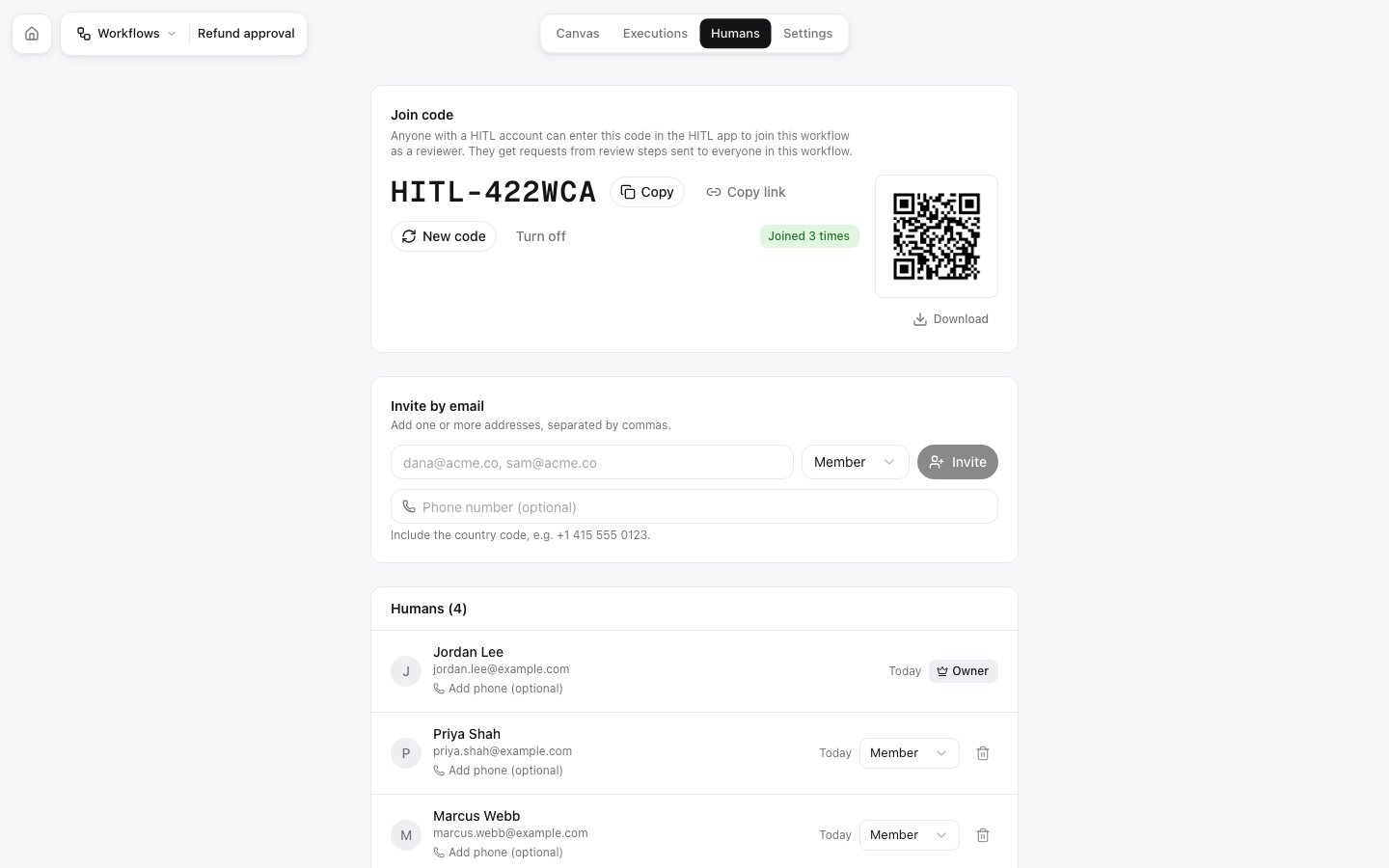
New code replaces the code (the old one stops working); Turn off disables joining by code. People who already joined stay.
From code:
POST /workflows/:id/invitations and the join code endpoints, or the MCP tools invite_to_workflow and create_workflow_join_code.
Joining as a reviewer
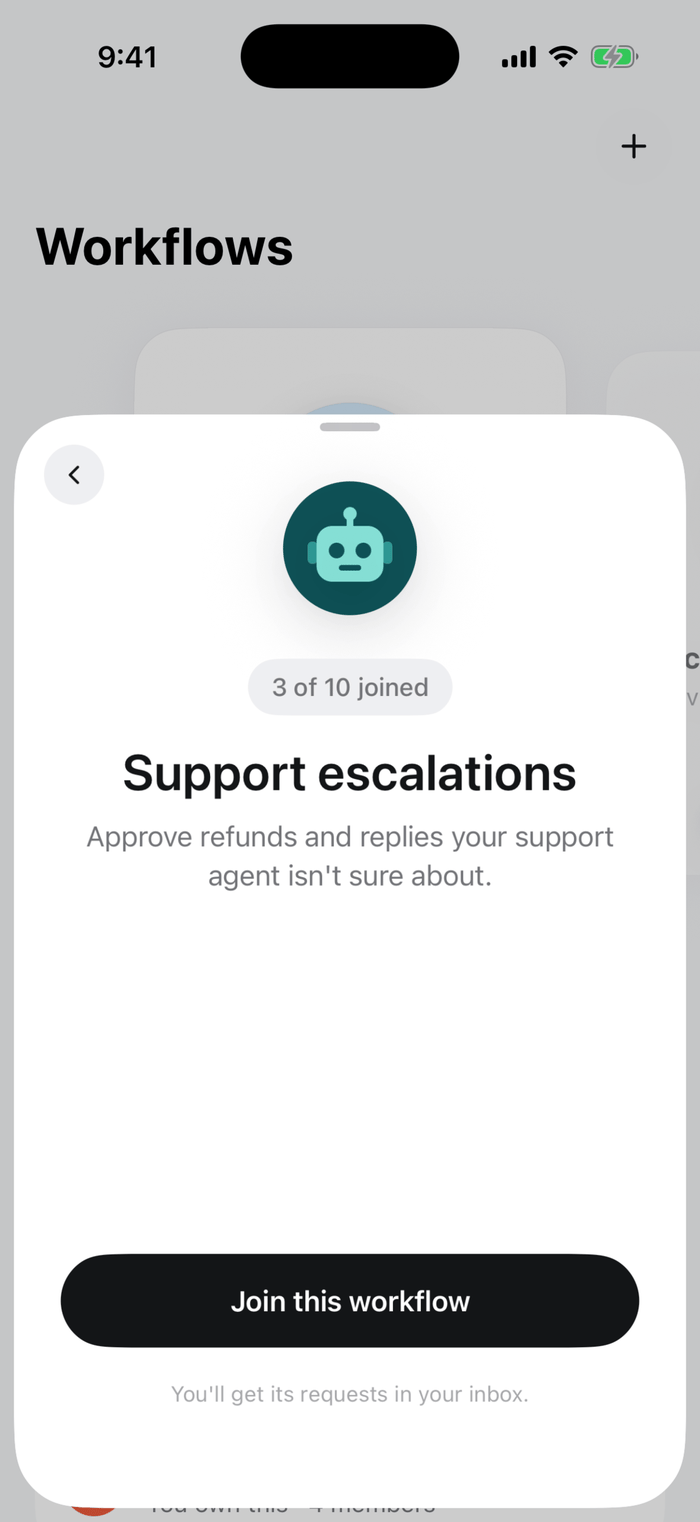
iOS: open the code or link, then Join this workflow
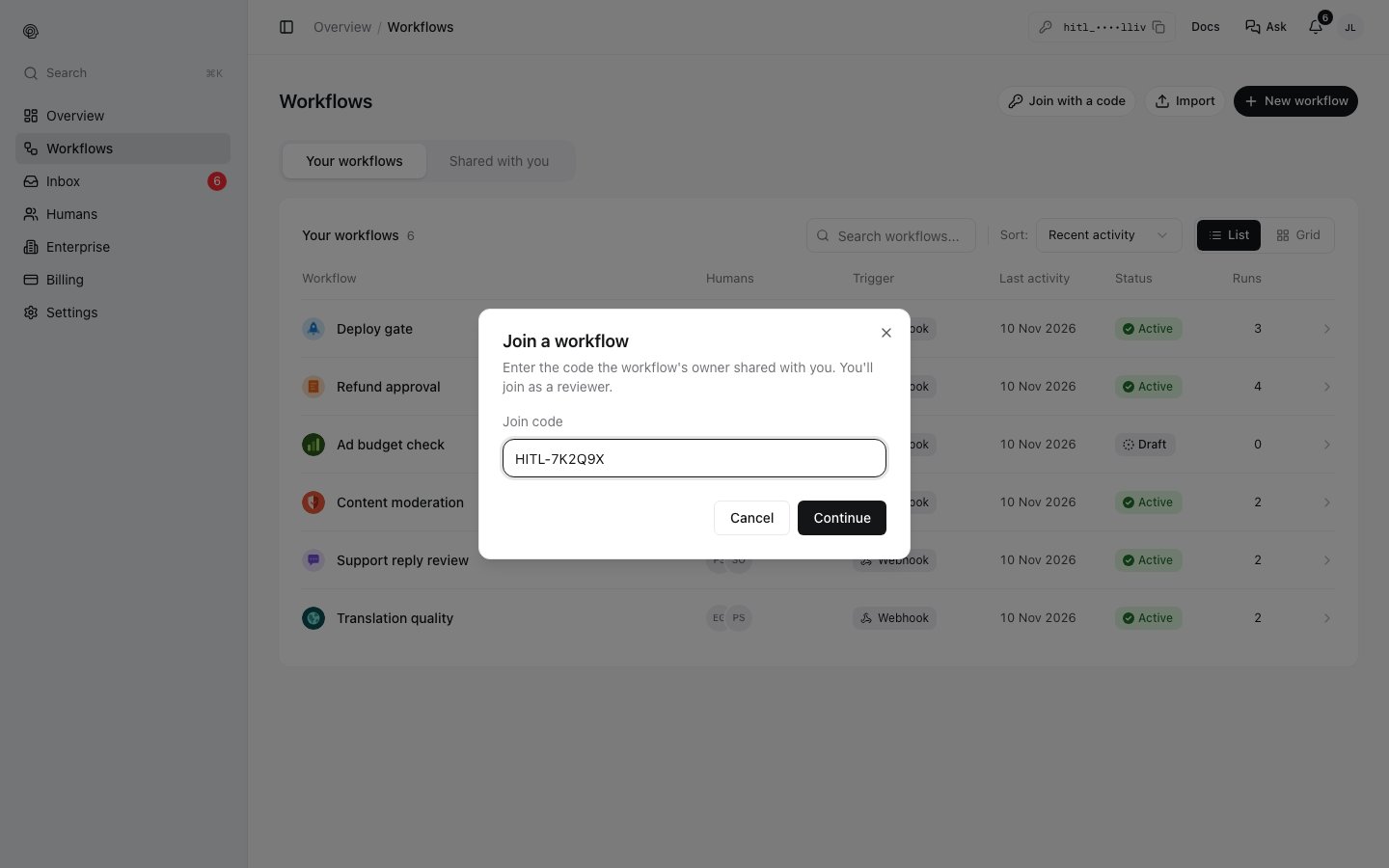
my.hitl.sh: Workflows, Join with a code